Set up the workflow
Confirm the app build, permissions, and account state before running the case. Mobile execution readiness should be checked separately from the workspace’s platform labels.
Android with AuraCheck Desktop
- Download the Windows or macOS desktop app.
- Connect an Android device or emulator, enable debugging, and authorize the ADB connection.
- Prepare the app and test account, select the device, and run the reviewed case.
iOS through WebDriverAgent
Prepare a compatible host and an iOS device or simulator with WebDriverAgent running. Confirm the WDA connection before running a case. Installing the desktop app alone does not complete iOS setup.
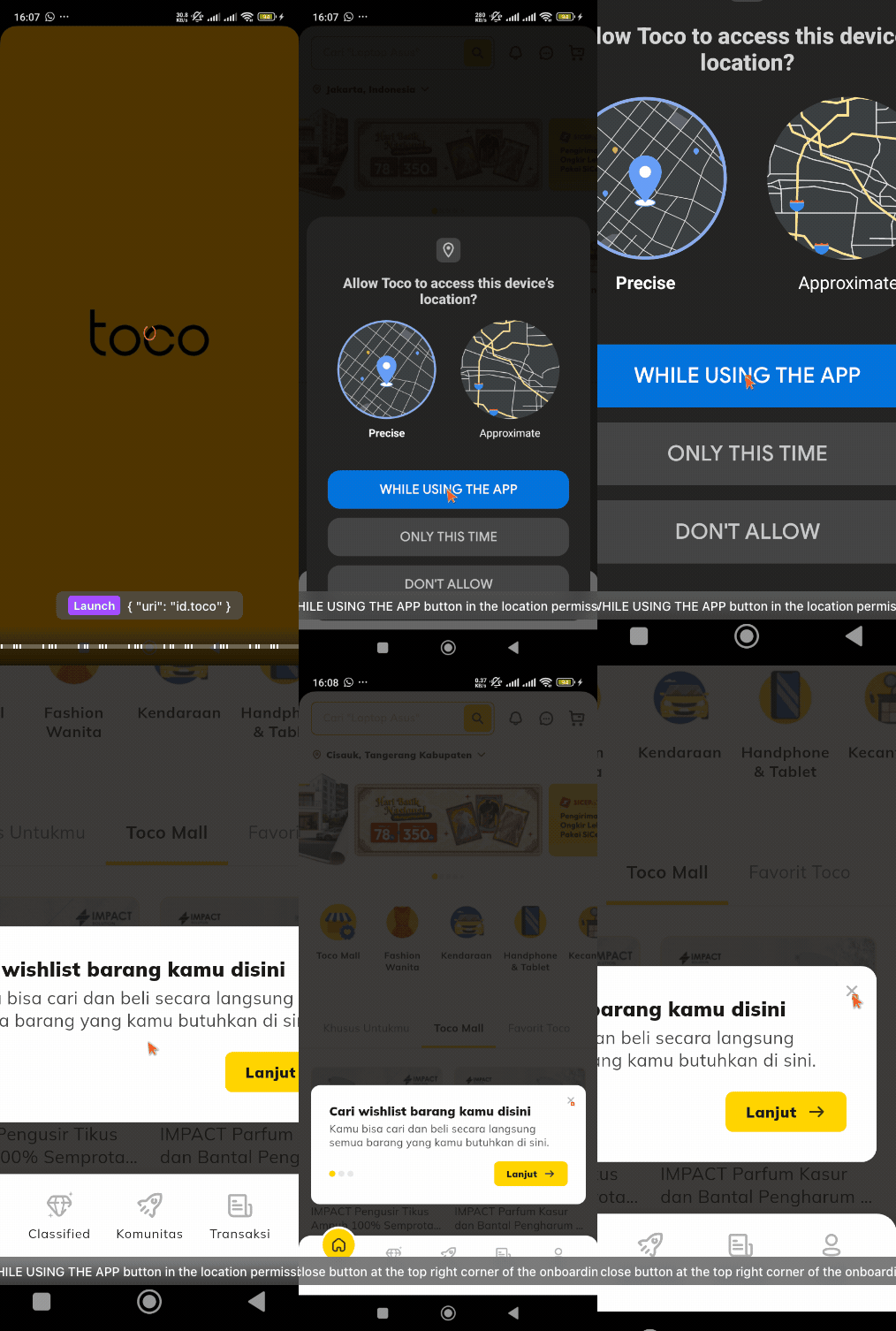
Android mobile testREAL RUN / GIF
Before using this in a release gate
Validate one representative journey in the intended environment, review its outcome, and agree who owns failures. Use the current deployment’s configuration and tool schemas for exact options.
Discuss your setup